Compatibility and account
Check the store listing for compatible devices and system requirements. An internet connection and an MBX Flow account are required. Features depend on your plan.
 MBX Artists
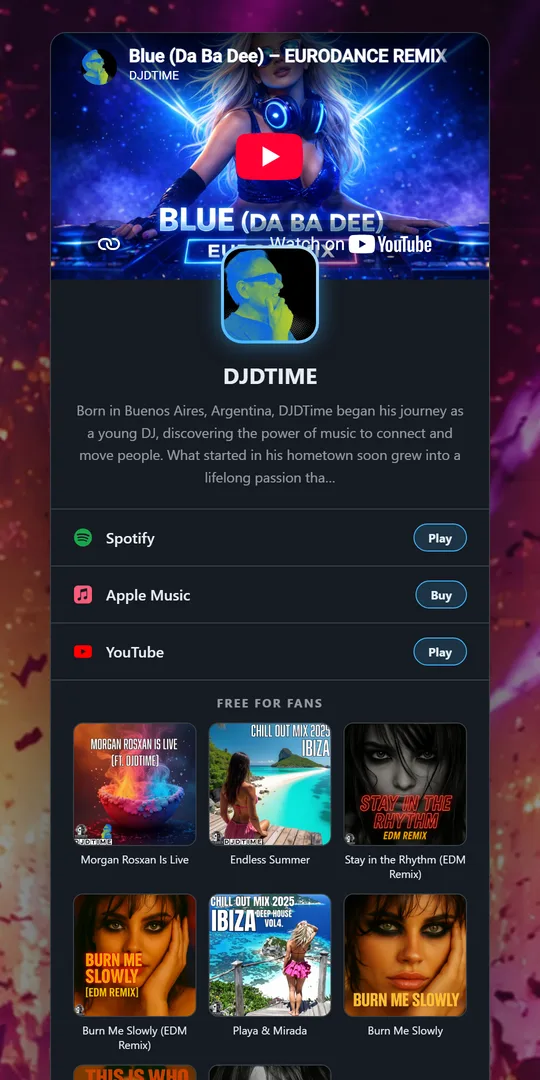
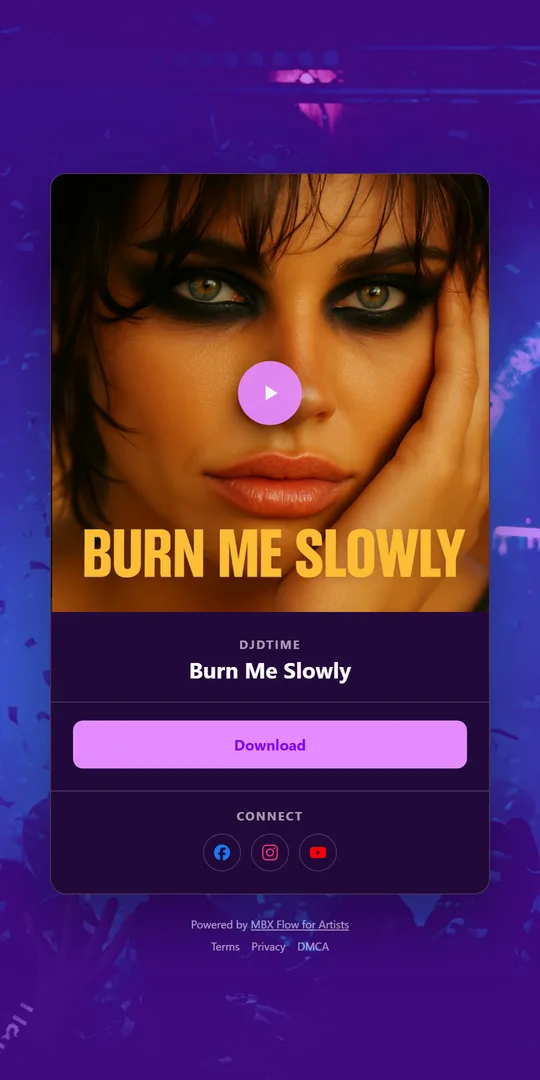
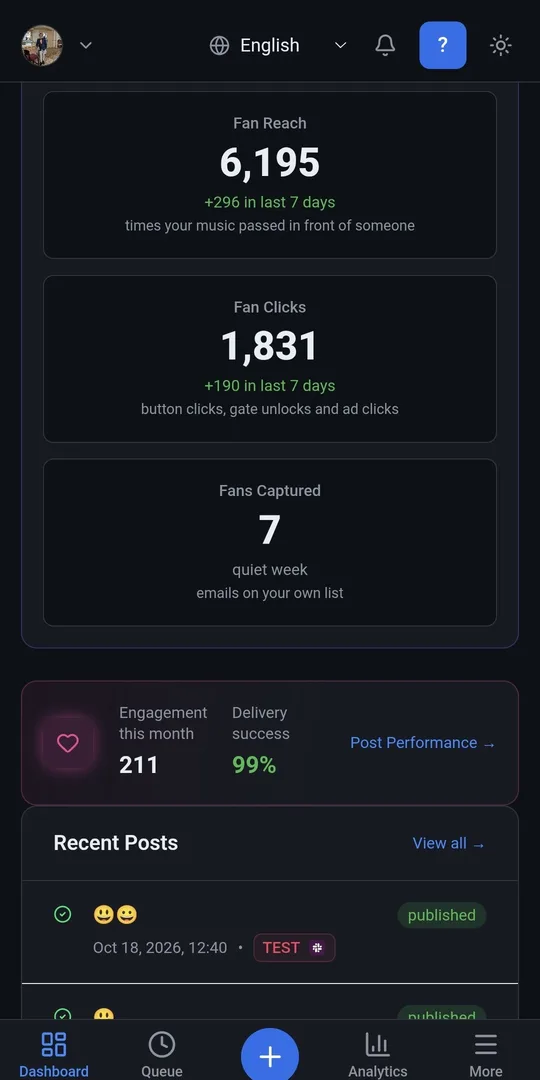
Use Windows to review your artist page, prepare a release smart link and plan the posts that lead listeners to it. Keep the artwork, destination links and call to action consistent. Before sharing, open the public page and test the listening buttons as a fan would.
Install MBX Flow from Microsoft Store or Amazon Appstore; there is no separate MBX Artists app.
Check the store listing for compatible devices and system requirements. An internet connection and an MBX Flow account are required. Features depend on your plan.
Installing the app does not change the public links your fans already use. Your account and plan still control access to features, and plans are managed on the web. Android remains available on Google Play. Choose a platform below to find installation details and official store links.
