
Prepare the reward and plan
Download gates require Starter or an eligible higher plan. Choose a file you have permission to share, give it a clear filename and explain what the fan will receive. Start with one release so you can check the experience before expanding.
Choose a clear action
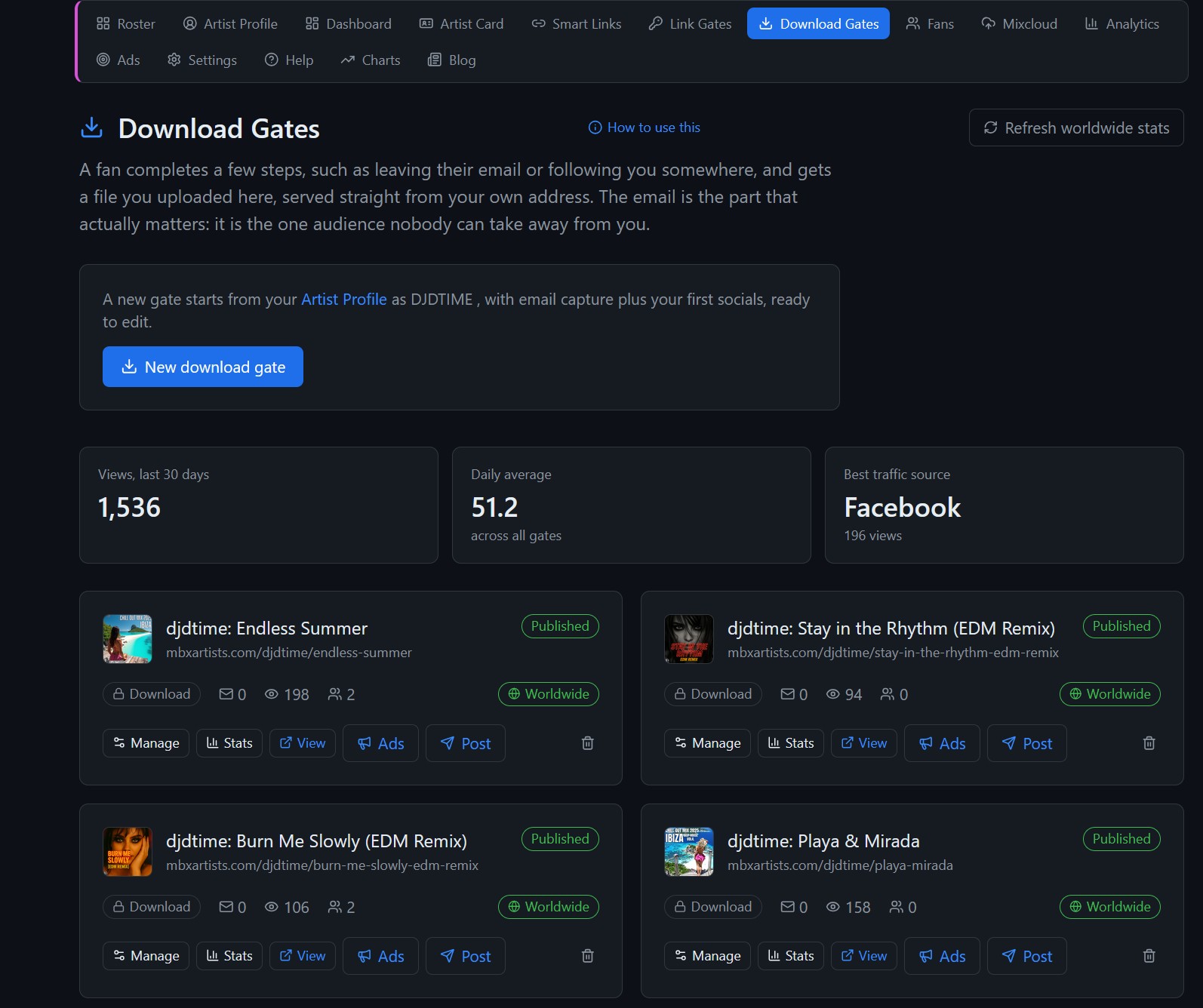
Create the gate in the artist workspace and choose from the actions available there. If you collect email addresses, explain what messages people are agreeing to receive. Keep the request short and relevant to the reward.
Test the complete journey
Publish the gate and open it as a visitor. Read the instructions, complete the requested action and confirm the file downloads. Check the mobile layout and any opening date, closing date or download cap you configured.
Measure useful results
Compare gate visits with unlocks and review captured fans. A busy page with few unlocks may need clearer copy or a simpler request. Check the fan list and its consent record before planning a follow-up; a visit alone is not an email subscription.
