
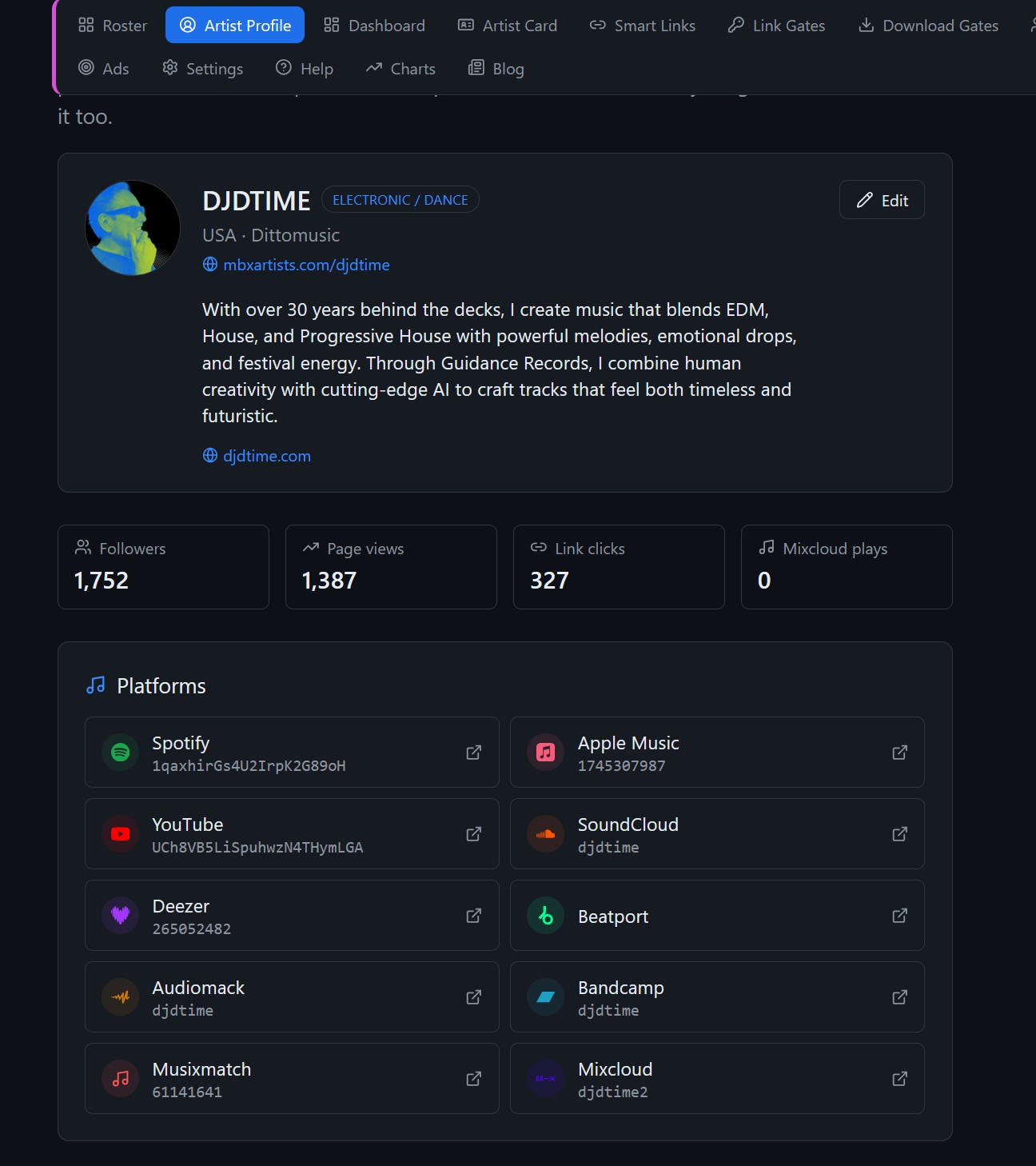
Gather your artist information
Prepare a clear artist photo, a short biography and official music and social URLs. Use the same artist name your listeners see on streaming services. If you manage several acts, check the selected artist before editing.
Make the page easy to use
Complete the profile and review its public card. Prioritize the destinations you want a new listener to find. Add upcoming shows with the venue and ticket URL where available, and check the merchandise destination if you use it.
Check the public version
Publish your changes and open the artist page without signing in. Test music, social, ticket and store buttons on your phone. Read the biography at mobile width and confirm the page represents the correct artist.
Choose the link for the occasion
Use the profile in your social biography and on general promotional material. For a specific song announcement, use its smart link so fans arrive at that release directly. Review your profile after releases and show announcements to keep the information useful.
