Download gates: how to share music and collect fan emails
Create a download gate in MBX Artists: choose a reward, configure fan steps and test delivery. Learn what is verified and which plan you need.

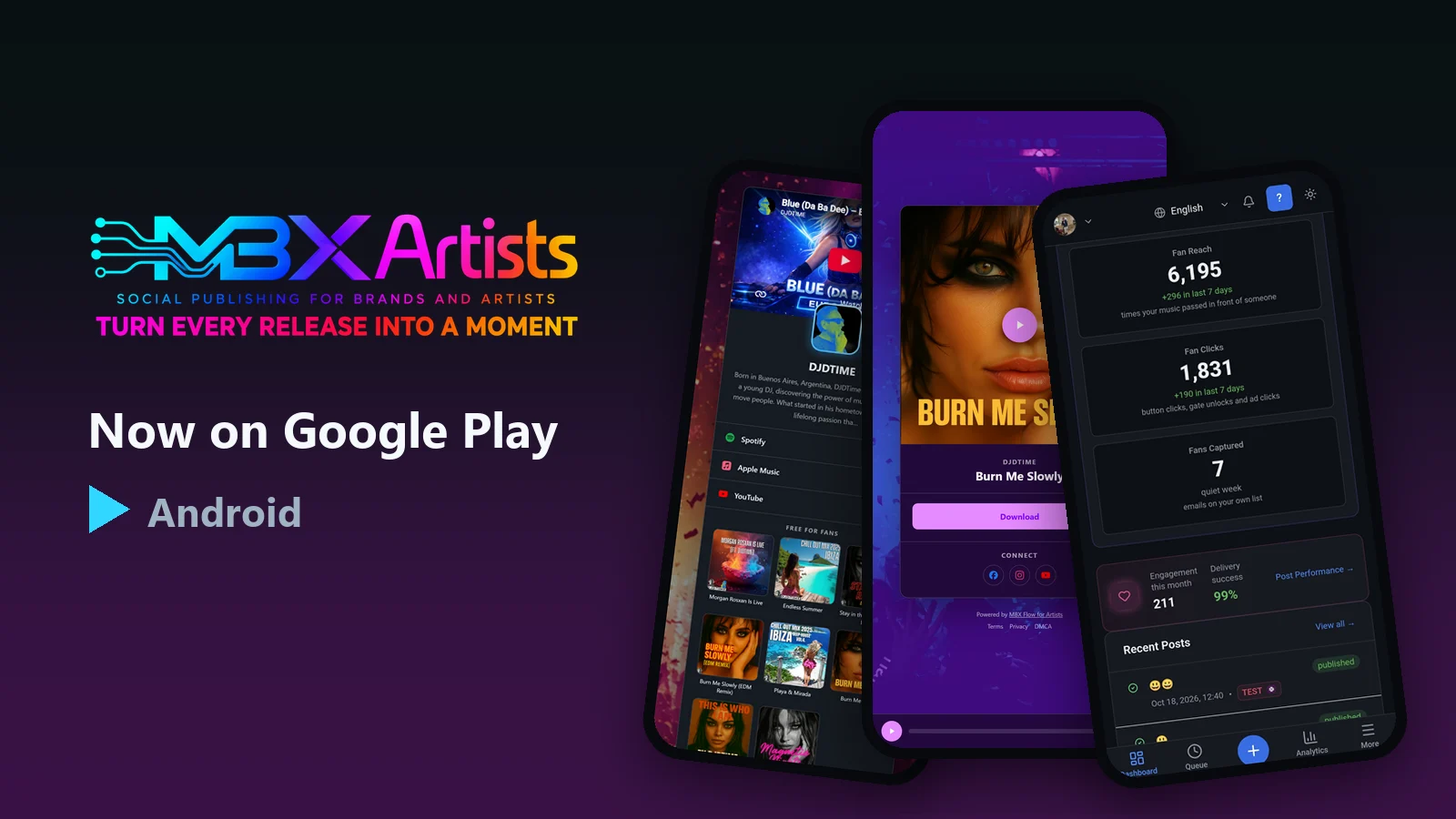
A download gate offers a file after a listener completes the configured steps. Use a track, sample pack or other reward you have permission to distribute. In MBX Artists, download gates require Starter or a higher eligible plan.
Create and test your first download gate
- Prepare the reward and check that its download works. Give the page a clear title, artwork and a description of what the fan will receive.
- Choose the steps and review the consent text. An email step collects an address; a profile visit opens a destination but does not verify that the listener followed the account.
- Publish and open the public link on a phone as a fan. Complete the steps, download the file and check the resulting fan entry before sharing the link.
Dates and download limits
Set opening and closing dates or a maximum number of unlocks when the release needs them. Test those settings before promoting a limited drop.
Fan consent and useful results
Review the consent text shown to listeners and retain it with your fan records. MBX Artists supports fan-list export. Compare visits, completed unlocks and collected emails separately: a page visit is not a new subscriber.
Start with one release and one clear reward. Link directly to its gate from your announcement, then review where listeners stop before adding more steps. A streaming smart link and a pre-save authorization serve different purposes.
Try a download gate
Download gates require Starter or a higher eligible plan. Test one release before moving your catalog.
Pass a good idea along.
Send it to a DJ, a bandmate or an artist building their next release.