
MBX Artists · Music guides

Set up your artist information

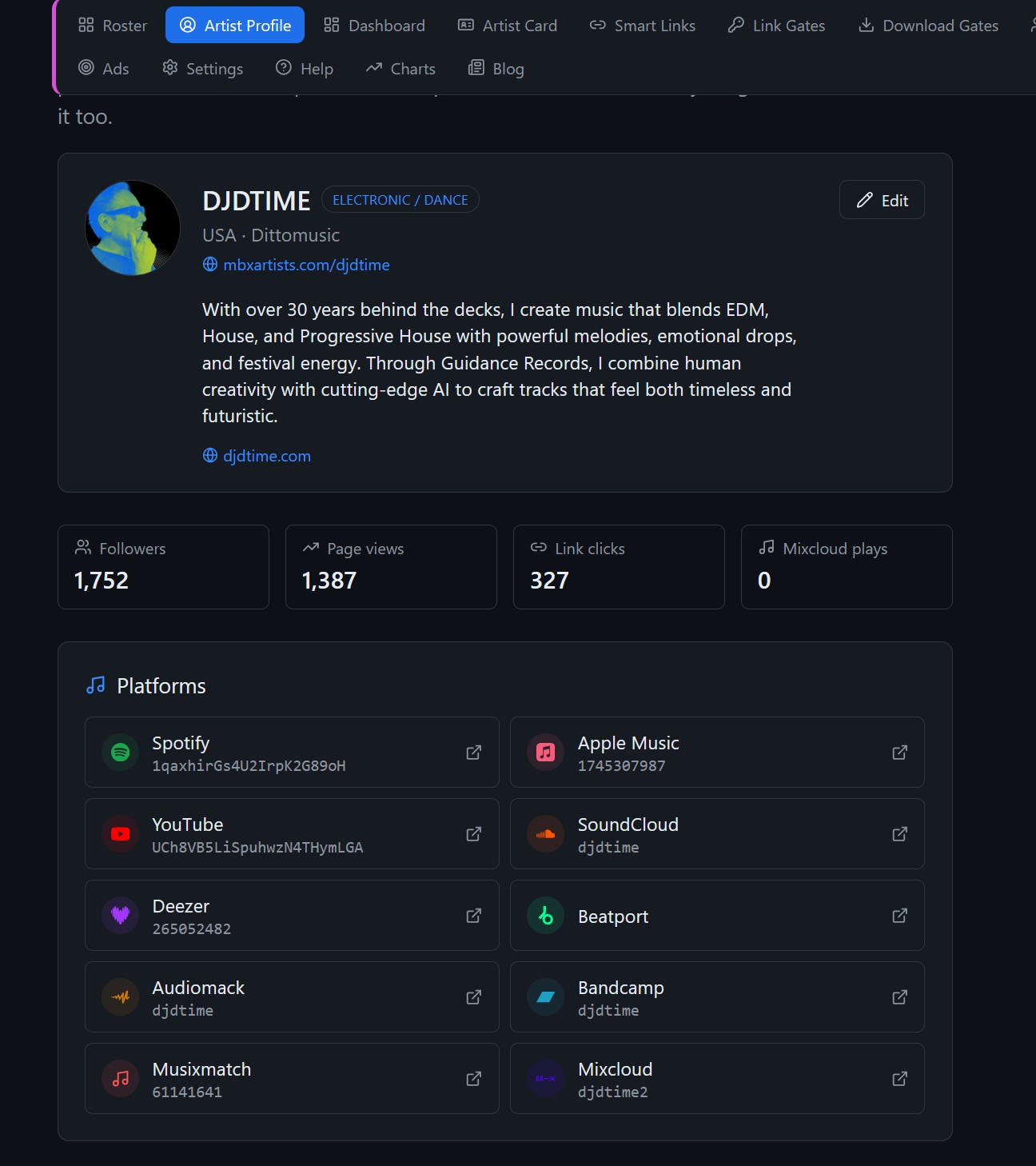
Check the selected artist before editing the profile. Add your artist name, biography, photo and official links.

Updated: · MediaBoxEnt Technologies

Before you start

Use MBX Artists inside your MBX Flow account. Features and limits depend on your plan; check pricing before starting. Compare plans →

MBX Flow Artist Profile: fill it in once, everything else follows | Tutorial

Set up your artist information

Choose your artist

Check the selected artist before editing the profile.

Complete your information

Add your artist name, biography, photo and official links.

Save your changes

Save the profile and review the information used by your artist pages.

Check your public card

Open Artist Card and check how your information appears to listeners.

Next steps