MBX Artists: your music, your fans and your next release
One profile, release links, download gates, fan lists and campaign tools. A quick look at what you can bring together in MBX Artists before your next song goes out.

Your band has a new song ready. Around that song come the links, the announcement, the show dates and the people who want to hear more. Here is a quick product update on the tools already available in MBX Artists to connect those parts of a release.
Your project starts with one profile
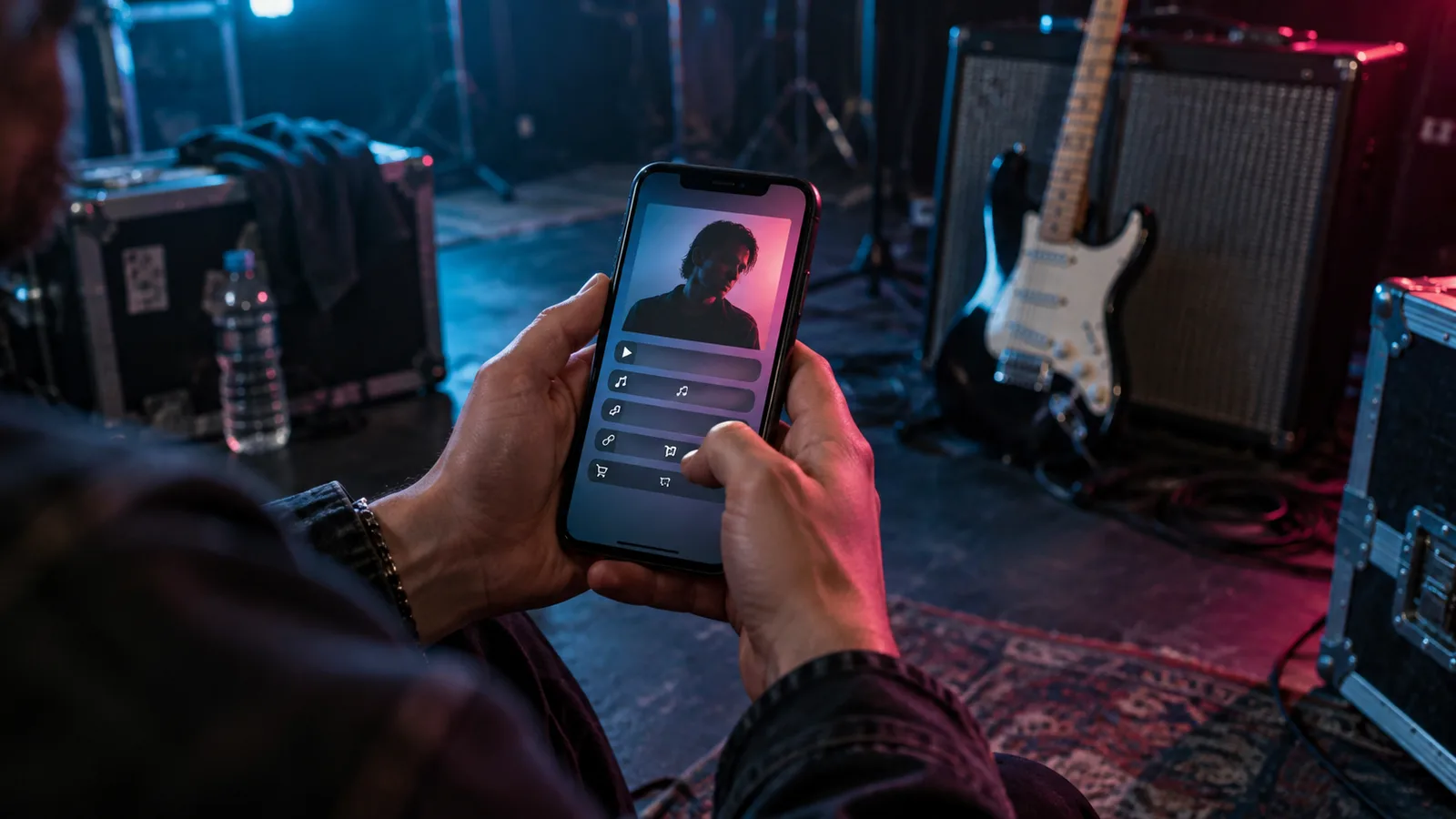
Add your bio, photo, music platforms and social links to your artist profile. Your Artist Card brings the project together in a public page, with releases, upcoming shows and a QR code you can use on a flyer. Keep your band identity consistent wherever listeners arrive.
Give the release a link of its own
Smart links bring a release’s listening destinations together. Autoscan starts from a supported track or album URL and looks for matching platform links. Review the result in the editor, check the destinations and publish the page. Your next announcement can point listeners to one clear starting place.

Turn interest into a fan connection
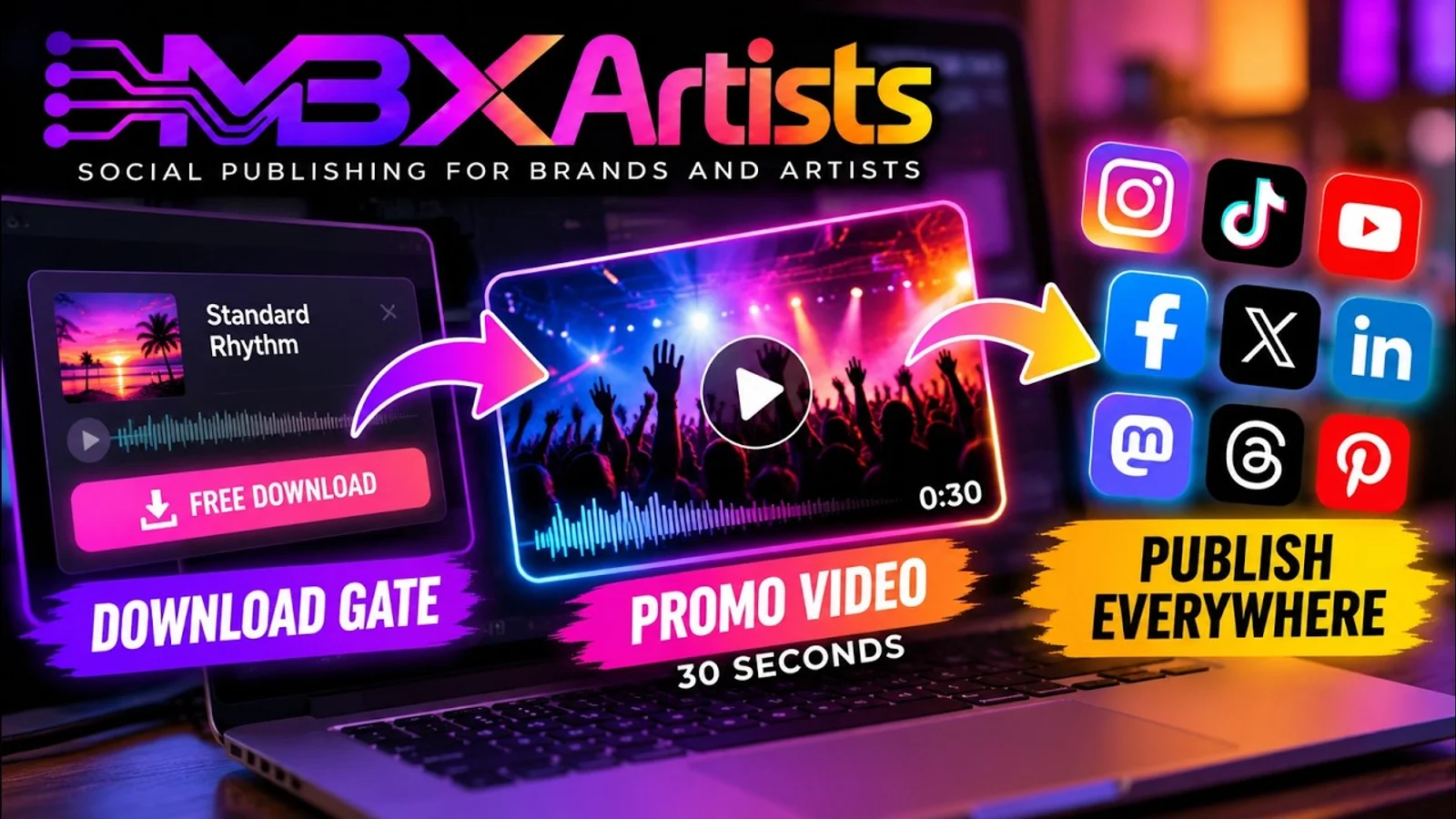
A download gate offers a file in exchange for the steps you choose, such as an email or a follow. Use a track or bonus you have permission to share. Collected emails appear in your fan list with consent recorded, and you can export the list as CSV.
Bring the campaign around the music
Add confirmed shows and ticket links to your profile, and connect your merch store. For promotion, the video studio can turn a track, backgrounds and hook lines into vertical ad videos. Download gates can also generate a 30-second share clip. Choose the material that fits your release and review it before sharing.
See what people do after the click
The dashboard and analytics bring together page visits, platform-button clicks, gate unlocks and traffic sources. Use them to see which destinations people choose and where interest comes from. If you run Meta campaigns from your own ad account, their results can help you assess the promotion alongside that activity.
Try it with the release already on your calendar
- Update the band photo and bio, then check the public Artist Card.
- Prepare the release page, test its listening links and choose one destination for your announcement.
- Add a gate if you have a suitable reward, then review visits and actions after sharing.
Start with the part your next release needs most. Your music, its public pages and the audience response can live closer together, so the next step is easier to see.
Pass a good idea along.
Send it to a DJ, a bandmate or an artist building their next release.