Your cover is ready. Give the announcement its own look.
Build a release teaser with Studio Beta, or adapt your artwork for a new format inside MBX Flow.
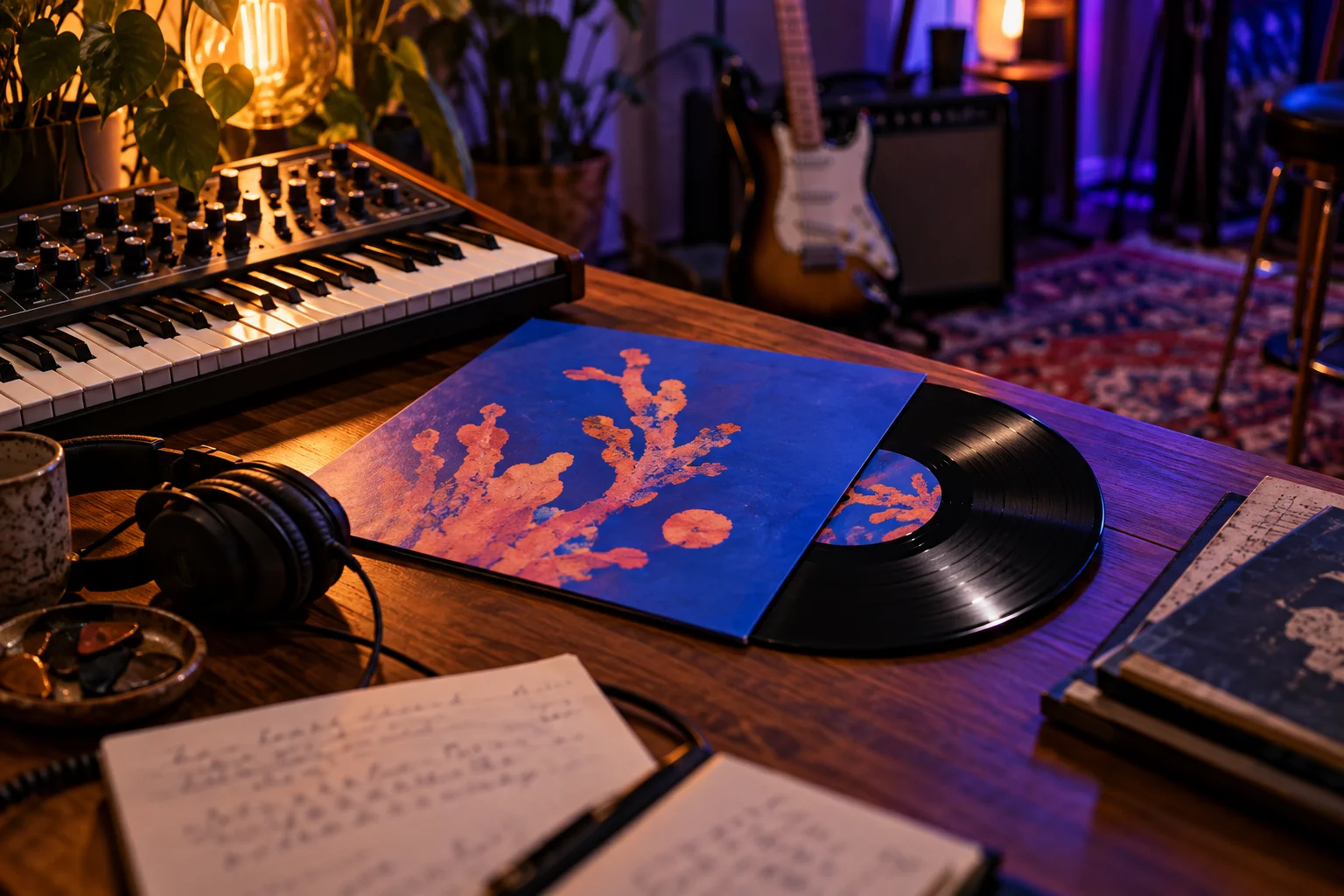
One release, several creative directions
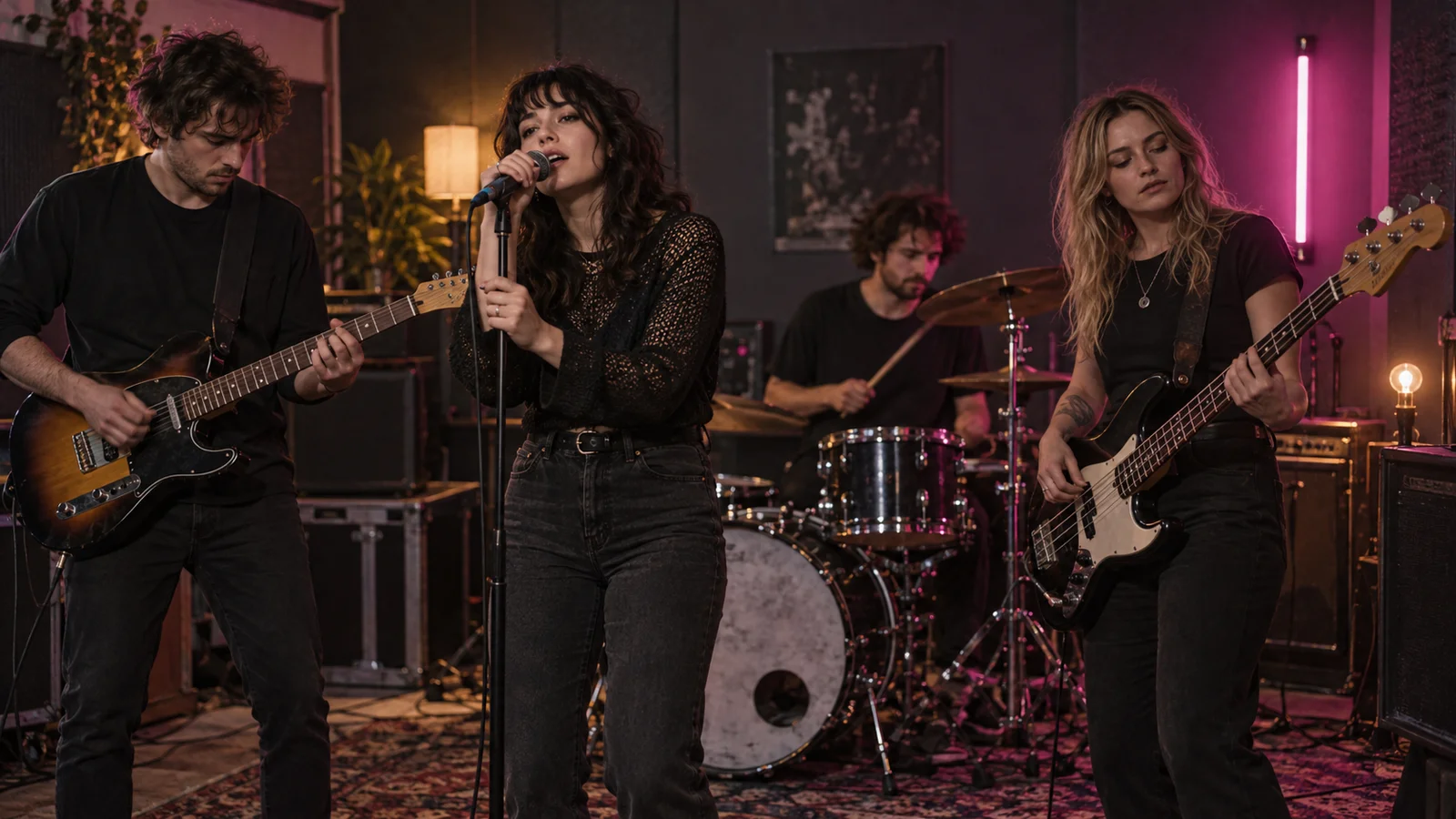
Try a retro television frame for a nostalgic single, a circular visualizer for an electronic track or a clean editorial template for a tour announcement. Studio Beta lets you change the text, artwork and colors, then add your own audio or an included soundtrack. Choose an effect that supports the music and keeps the release details readable.
Keep the artwork complete
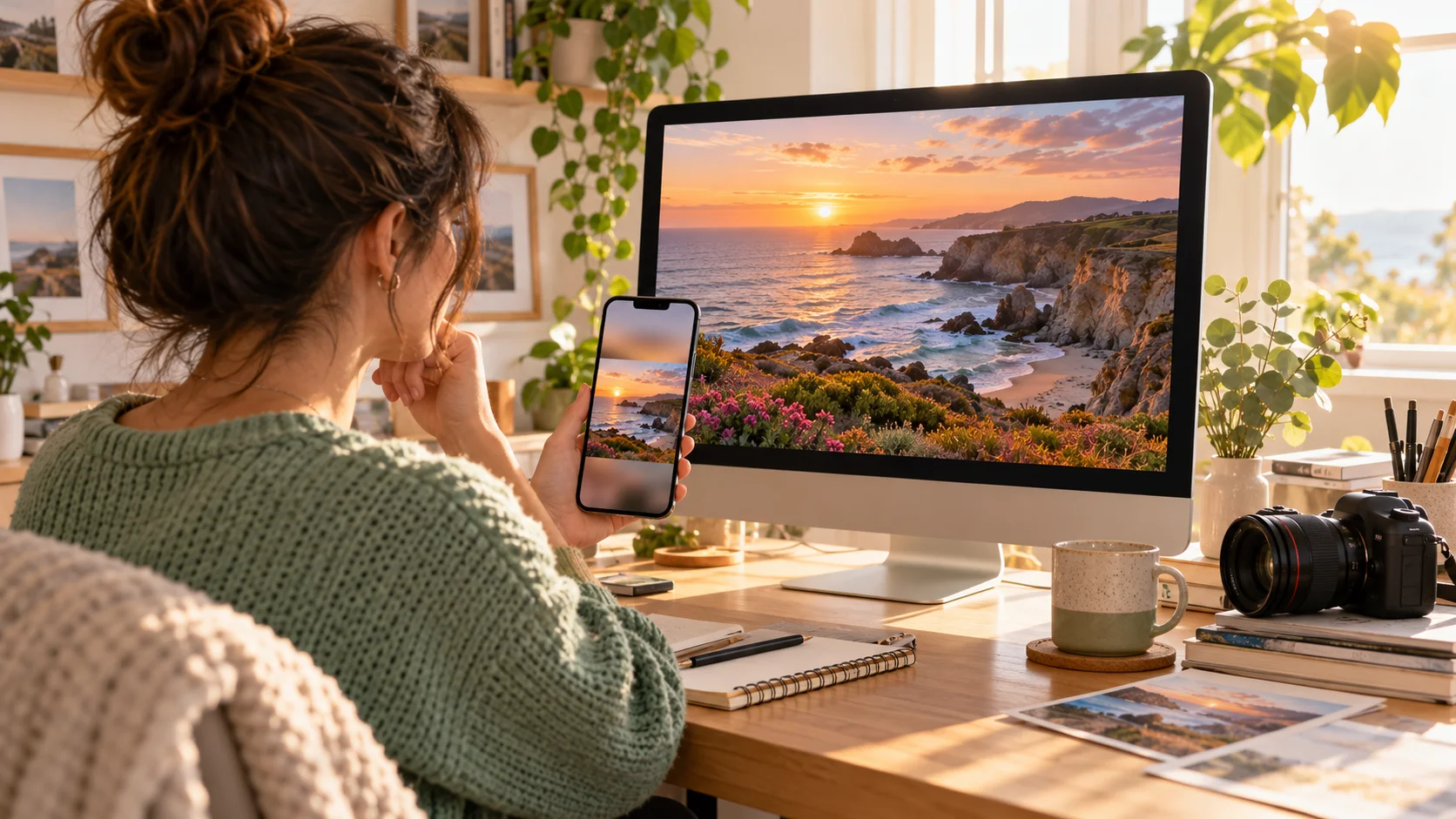
For a quick format change, use “Adapt photo or create video” in the MBX Flow post composer. Keep the whole cover or flyer, add a solid or blurred background and adjust the image size. A single photo can become a short silent video with zoom or pulse. Keep that screen open until it finishes.
Prepare the clip, then bring listeners to the release
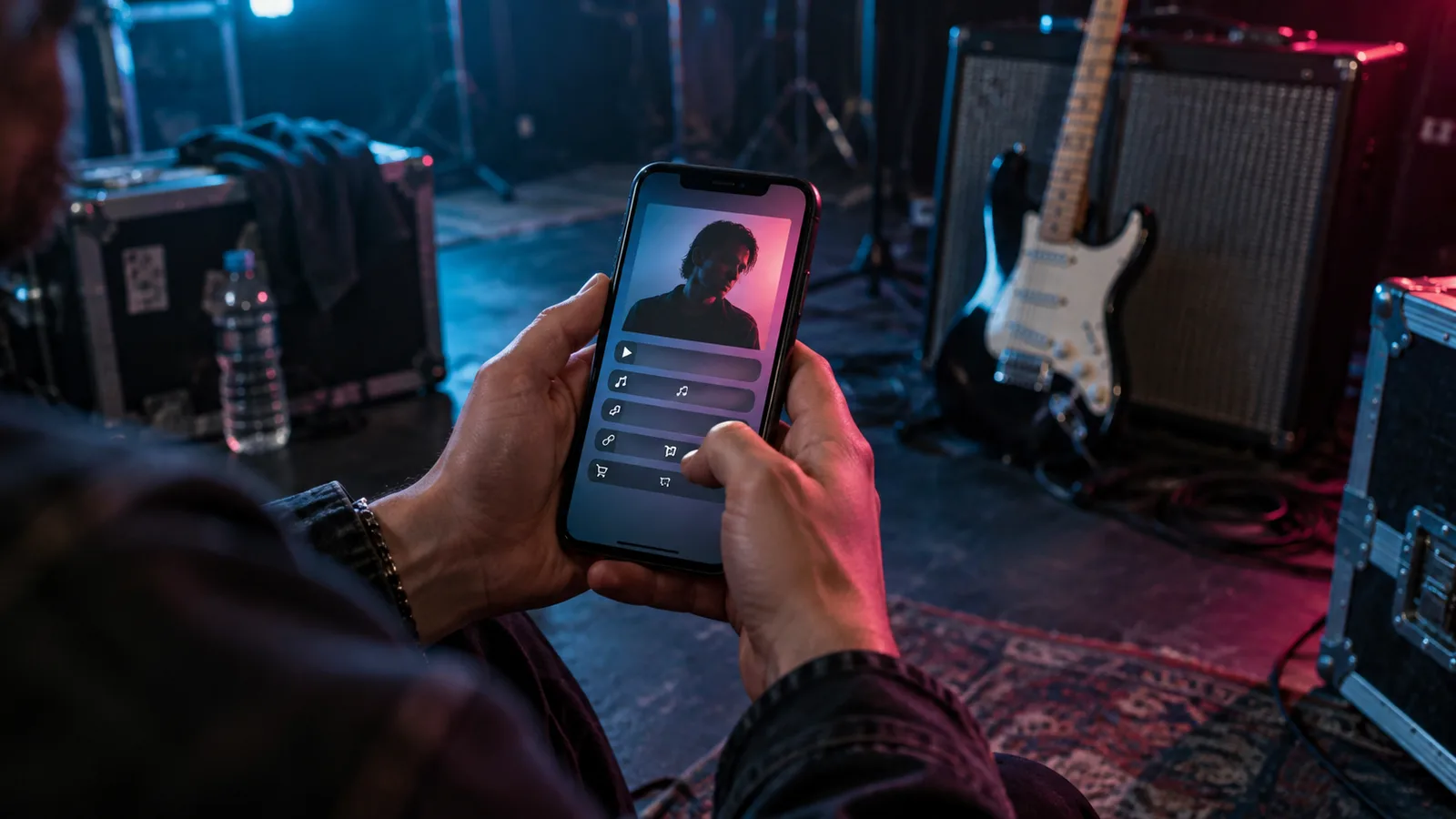
Studio exports can continue in the background after entering the queue, with a bell notification when ready. Review the result and use your release smart link in the accompanying post. Both Beta tools are available to all MBX Flow accounts; Free includes 30 Studio videos a month. Studio videos include MBX Flow branding. Creating a clip does not enable direct publishing to TikTok or YouTube.
Pass a good idea along.
Send it to a DJ, a bandmate or an artist building their next release.